Known bugs and fixes in progress
Kingdom Rush Battles Known Issues
by on 10/10/2025Here’s a list of known bugs and common issues currently on Kingdom Rush Battles.
If you encounter a problem not listed here, please report it through our support system.
Stuck on Loading Screen
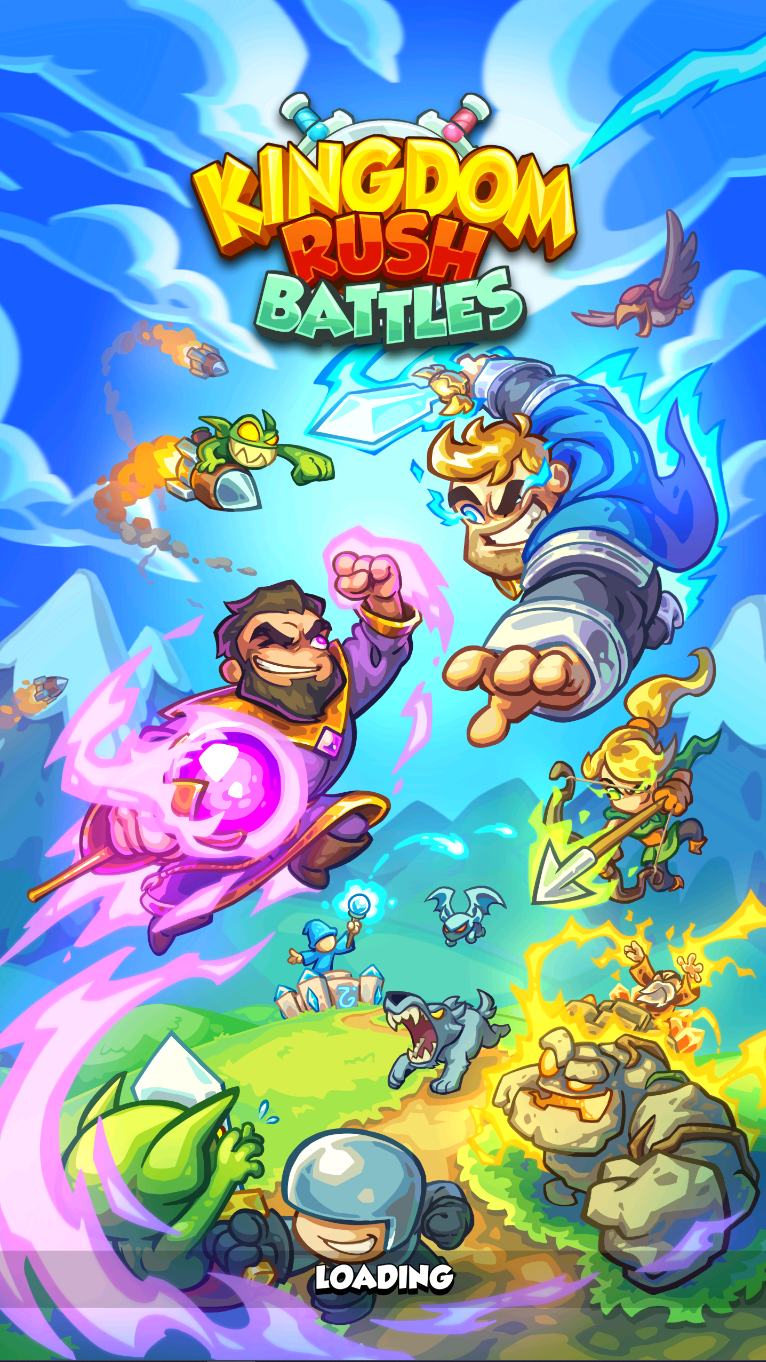
After launching the game, some players may get stuck on the initial loading screen. There’s currently no workaround for this issue. We’re aware of it and actively working on a fix.
To help us investigate send a support ticket describing the issue along with your User ID (visible in the top-left corner of the screen in white letters and numbers).
Connection Error at End of Match
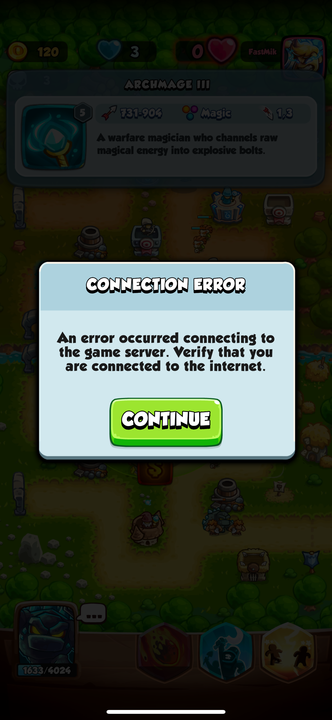
In some cases, players experience a “Connection Error” message at the end of a match, usually after winning, which prevents receiving the match medal rewards. This issue should be fixed with the latest maintenance update, make sure to update the game and try again.
If the issue persists, send a support ticket with your User ID (found in the Settings menu).
Kingdom Rush Battles Match Not Starting
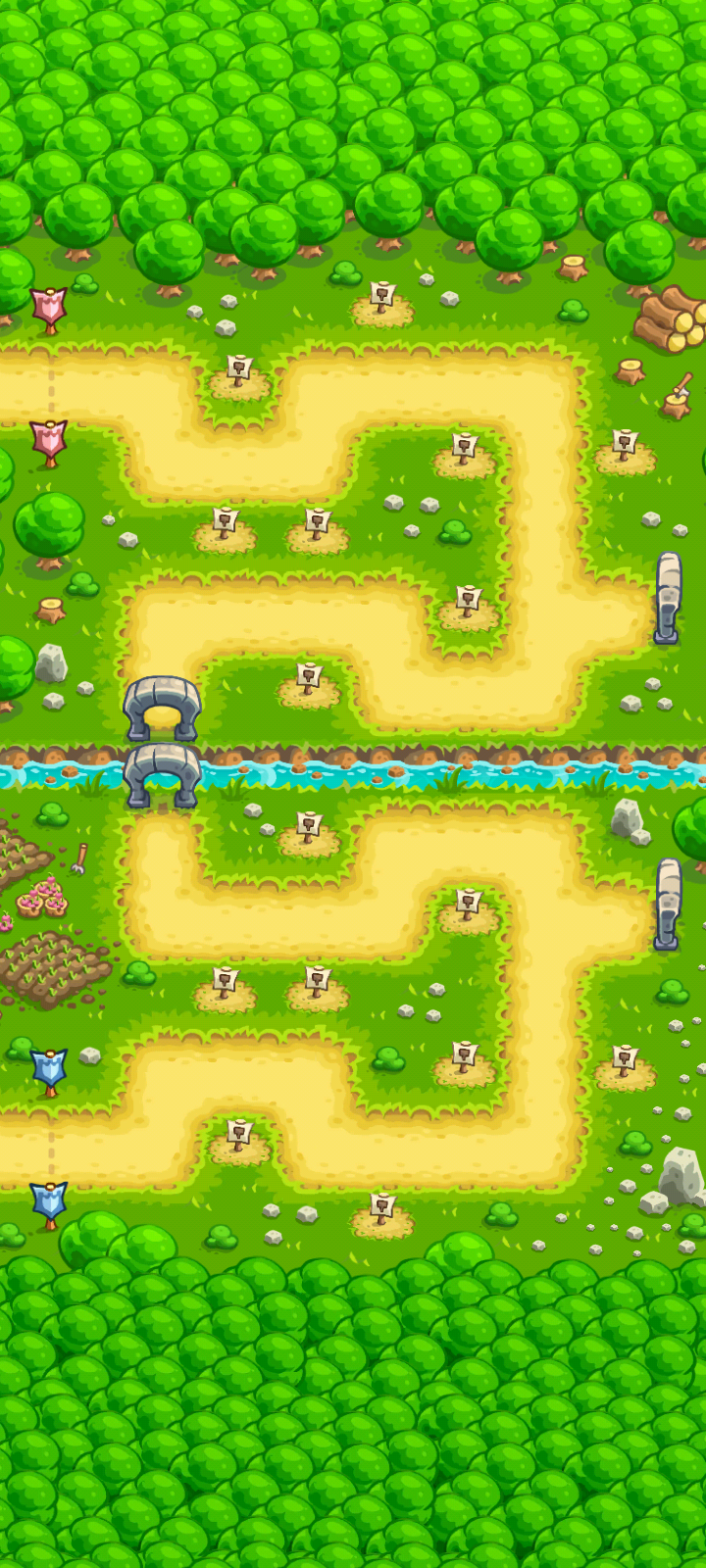
Some matches may fail to start and get frozen. We believe this may happen when the opponent leaves the match right after pairing.
This issue should be fixed with the latest maintenance update, make sure to update the game and try again. If the issue persists, send a support ticket with your User ID (found in the Settings menu).
Connect With Google Auto Sign-In Stuck
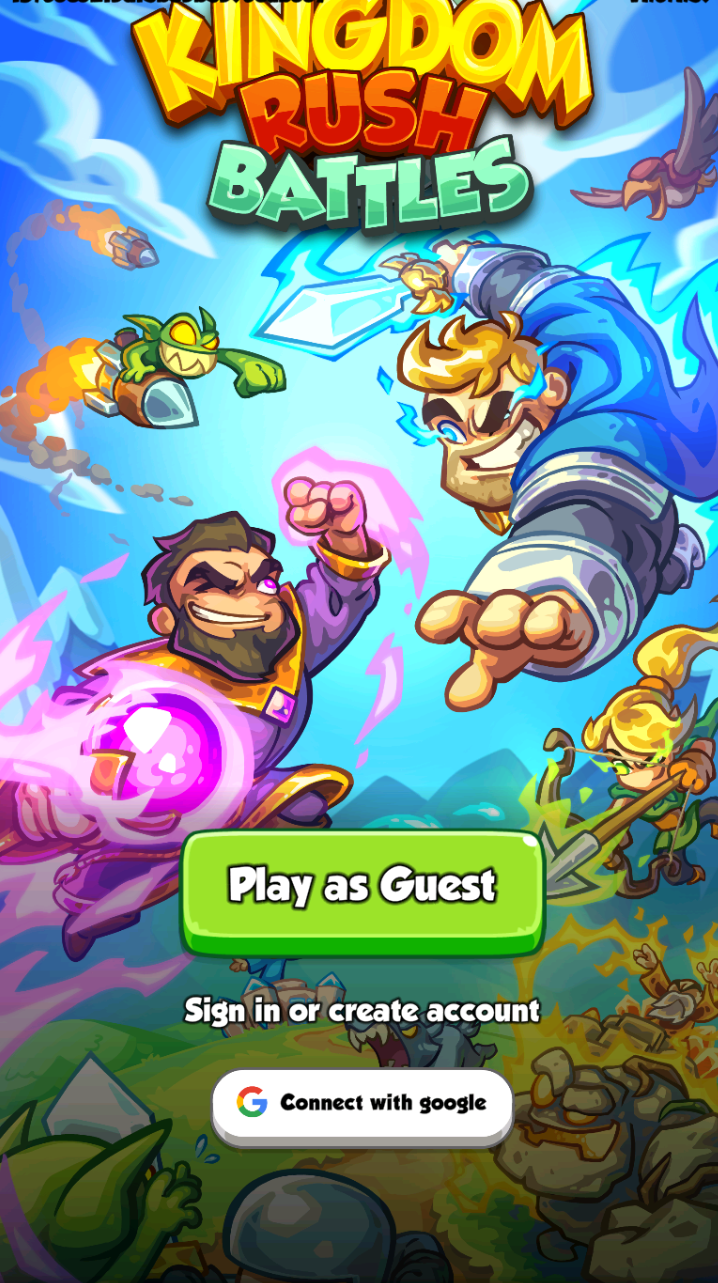
If you’re having trouble with the Connect with Google Auto-Sign in getting stuck loading (auto sign-in), try the following troubleshooting:
- Tap Connect with Google and then select
- Use another account to log in manually
Using a different browser to log in may also help, since ad-blocking tools and other extensions may interfere with account linking.
If after troubleshooting you keep experiencing issues, send a support ticket describing the issue and include your User ID (visible in the top-left corner of the screen)
Can’t find Pre Registration Gift
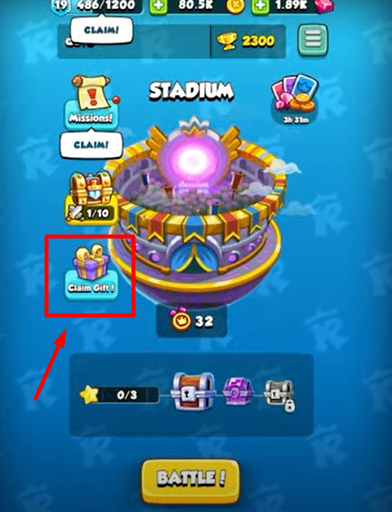
Players who pre-registered or participated in Early Access get a Pre-Registration Gift containing: 1 Epic Card, 40 Gems, and 500 Coins.
The gift is available during the first week after launch (until October 16th).
- To claim it, go to the Battle menu and select the option Claim Gift with the gift icon.
If you can’t find this option, please send a ticket and include your User ID (found in the Settings menu).
Didn’t Receive my Purchase
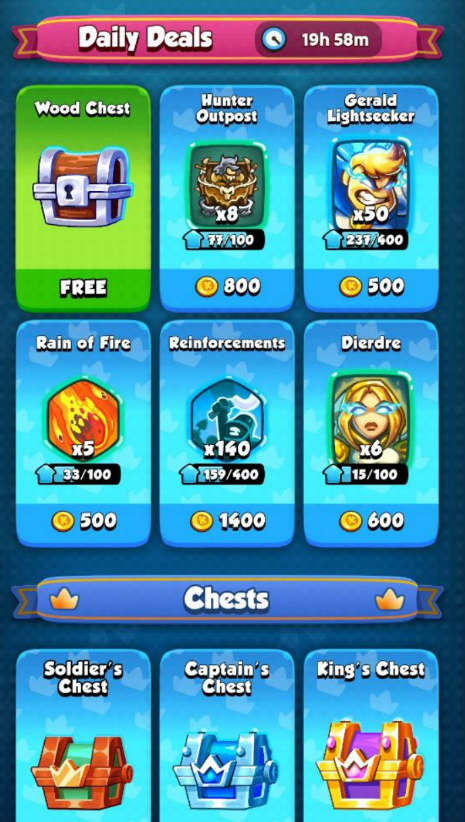
If you purchased any item and it is not accredited, try restarting the game and check if your purchase appears. If it does not show up, check your Order History in Google Play or the App Store to see if the payment went through.
-
For Google Play, open the Play Store, tap your profile, go to Payments & subscriptions, and then Order History.
-
For the App Store, open the App Store, tap your profile, and look under Purchased.
If the payment was successful but your purchase did not appear in the game, send a support ticket including your User ID (found in the Settings menu) so our team can help you.